CapCut login problems: Google, TikTok, email, PC and QR fix
Use the right account method and fix common access problems without sharing sensitive credentials.
Read guide → By Rahul Verma·
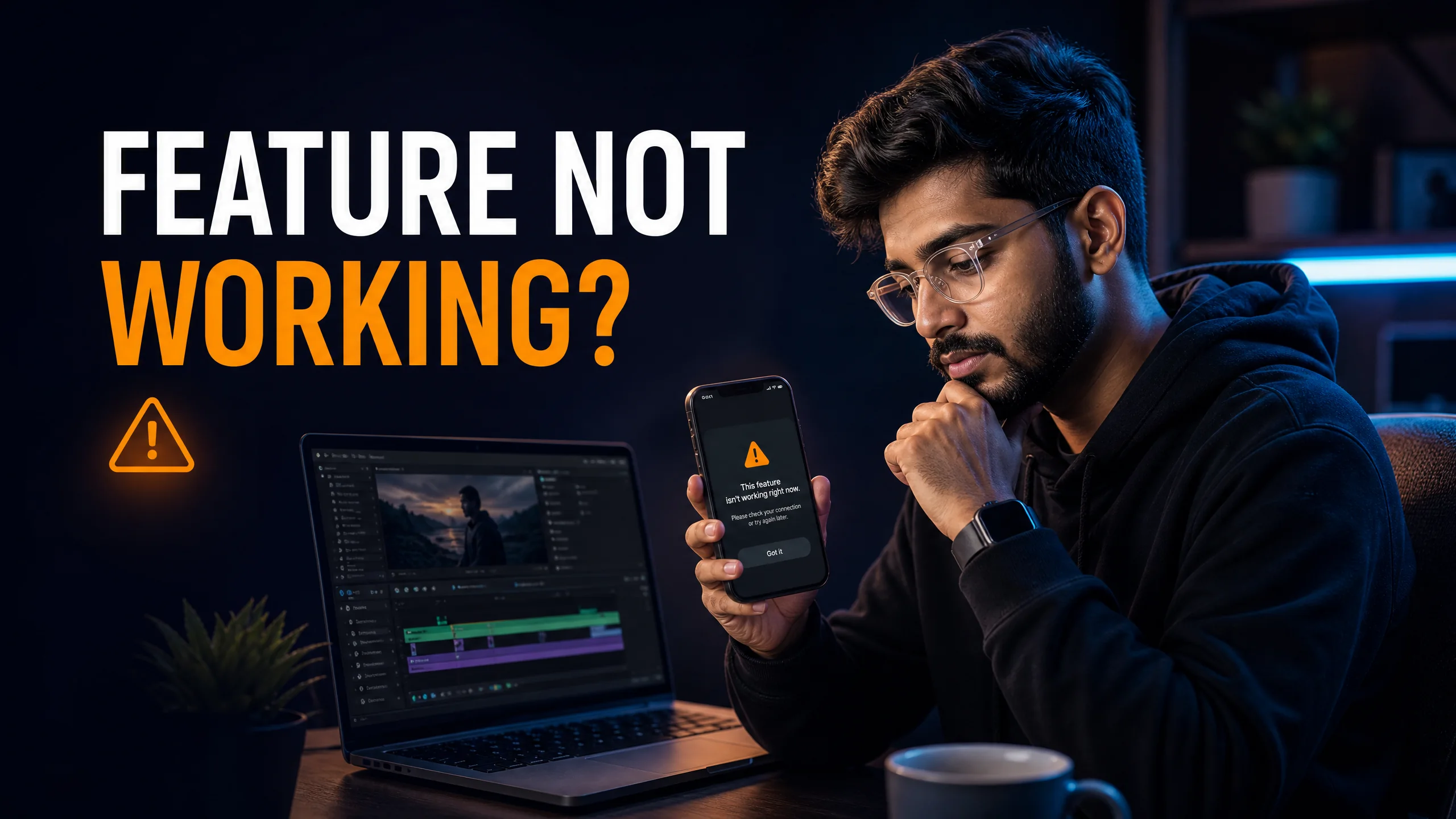
I know it is incredibly annoying when you try to apply a specific transition or effect, and CapCut blocks you with a "Feature Not Available" error. This error triggers for three specific reasons. First, the feature might be exclusive to the CapCut Pro subscription, meaning free users cannot export it. Second, the feature might be region-locked and completely unavailable in your specific country due to licensing restrictions. Third, your app cache might be corrupted, preventing the effect from downloading from the server. To fix this instantly, you must first check if the feature has a small "Pro" badge next to it. If it does not, you need to navigate to your app settings and clear your local cache. If the feature remains blocked, you must connect to a stable Wi-Fi network, completely force-close the app, and restart it to force a fresh server sync.
You find the perfect effect to complete your edit. You tap it, but instead of applying to your video, the screen throws a vague error message. I have seen hundreds of creators abandon great edits because of this exact roadblock.
You do not need to delete your project or start over. CapCut relies heavily on cloud-based assets. This means most of these errors are simply failed downloads or account syncing issues. I will show you how to identify the block and bypass it.
Unlike old desktop editors that install all effects locally on your hard drive, CapCut keeps its app size small by storing effects on its servers. When you tap an effect, your phone actually downloads it in real-time.
If your network drops for even a microsecond during that download, the asset corrupts. CapCut then locks the feature to prevent your app from crashing. You must understand how the app categorizes these errors so you know exactly which setting to change.
If you are experiencing persistent blocked features on your desktop, the base installation files might be outdated or corrupted. I highly recommend updating or downloading a fresh copy of the app directly from the official Microsoft Store (for Windows users) or the Apple Mac App Store. A clean installation often forces the servers to sync properly and unlocks bugged effects.
I have categorized the most common feature blocks below. You need to identify which specific error message you are seeing before you attempt a fix.
| Error Message | Primary Cause | Immediate Solution |
|---|---|---|
| "Feature Not Available" | Corrupted download cache. | Clear app cache in settings. |
| "Requires CapCut Pro" | Account sync failure. | Log out and log back in. |
| "Network Anomaly" | Firewall or DNS blocking the server. | Switch to mobile data. |
This is the magic bullet for 90% of missing effects. Over time, your phone stores gigabytes of temporary transition data. When this folder gets too large, new effects fail to load.
I constantly receive messages from creators asking why a specific trending TikTok filter is missing from their CapCut menu. The harsh reality is that Bytedance licenses certain music and AI algorithms regionally.
If you are located in India, you might not see the exact same AI features as a creator in the United States. You cannot permanently fix a region lock. While some users attempt to use a VPN to spoof their location and download the effect, I must warn you that this violates the terms of service and can lead to export bans.
You are much better off searching for a similar, native alternative within your local version of the app rather than risking your account.
CapCut allows free users to apply Pro effects to their timeline so they can test them out. However, the system places a hard lock on the export button. You must delete the Pro effect from the timeline before you can save the file.
No. Clearing the cache from within the CapCut settings menu only deletes temporary effect downloads and preview files. Your timeline edits and raw media remain completely safe.
Missing text templates almost always indicate a network routing issue. Your device is failing to connect to the specific CDN server that hosts the fonts. Switch from Wi-Fi to cellular data to bypass the blocked route.
Stop struggling with free version limits. Get private access to CapCut Pro today.
View Private Plans →Senior Video Editor & Founder of BuyCutPro. Helping Indian creators optimize post-production workflows.
Connect on LinkedIn
Use the right account method and fix common access problems without sharing sensitive credentials.
Read guide →
A focused troubleshooting checklist for missing codes, failed scans and wrong accounts.
Read guide →
Stop the retry loop and use a cleaner account, network and device checklist.
Read guide →
A beginner-friendly workflow for creating, editing and checking feature access.
Read guide →