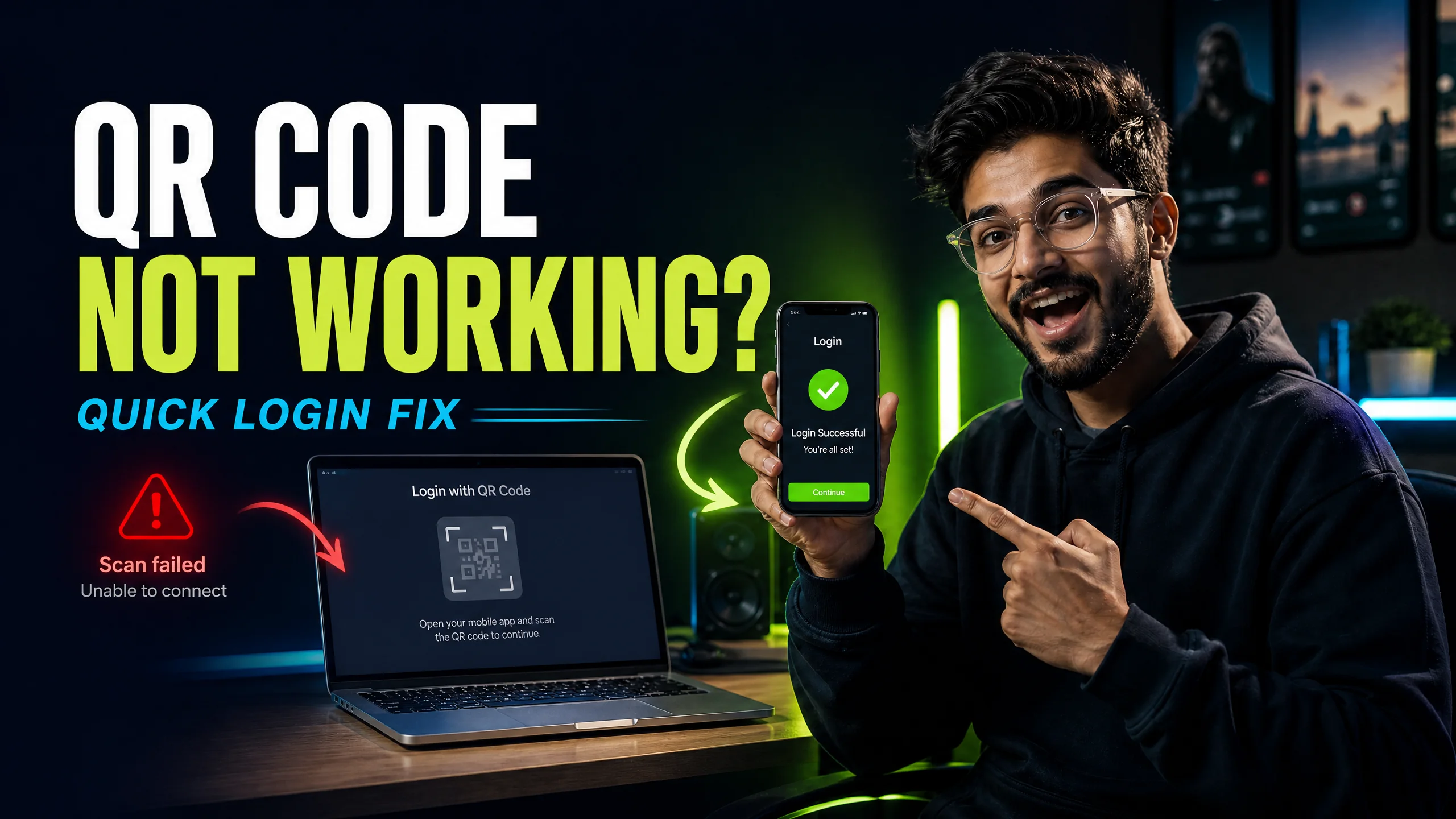
QR code not working or not showing? Try this first
A focused troubleshooting checklist for missing codes, failed scans and wrong accounts.
Read guide → By Rahul Verma·
I know how frustrating it is to face CapCut login problems when you are ready to edit. If you are stuck on the login screen, you must first verify your network connection and then clear your app cache. The most common login failure happens because you try to use a different account method on your PC than you did on your mobile app. For example, if you bought CapCut Pro using a Google account on your phone, logging in via TikTok on your desktop will create an entirely new, free account. To fix this instantly, log out of the incorrect account on your PC. Next, open your mobile app, navigate to your profile, and use the built-in QR scanner to scan the code on your desktop screen. This takes exactly 2 minutes and guarantees you are using the correct identity across all devices. If the QR code fails to load, disable your ad-blocker and refresh the page.
You are ready to start your next video project, but you suddenly hit a wall. CapCut will not let you log in. You type your details, you scan the QR code, but nothing works. I see this issue every single day.
I will show you exactly how to bypass these annoying login blockers. You do not need technical skills to fix this. You just need to follow 4 specific steps to get your account running again.
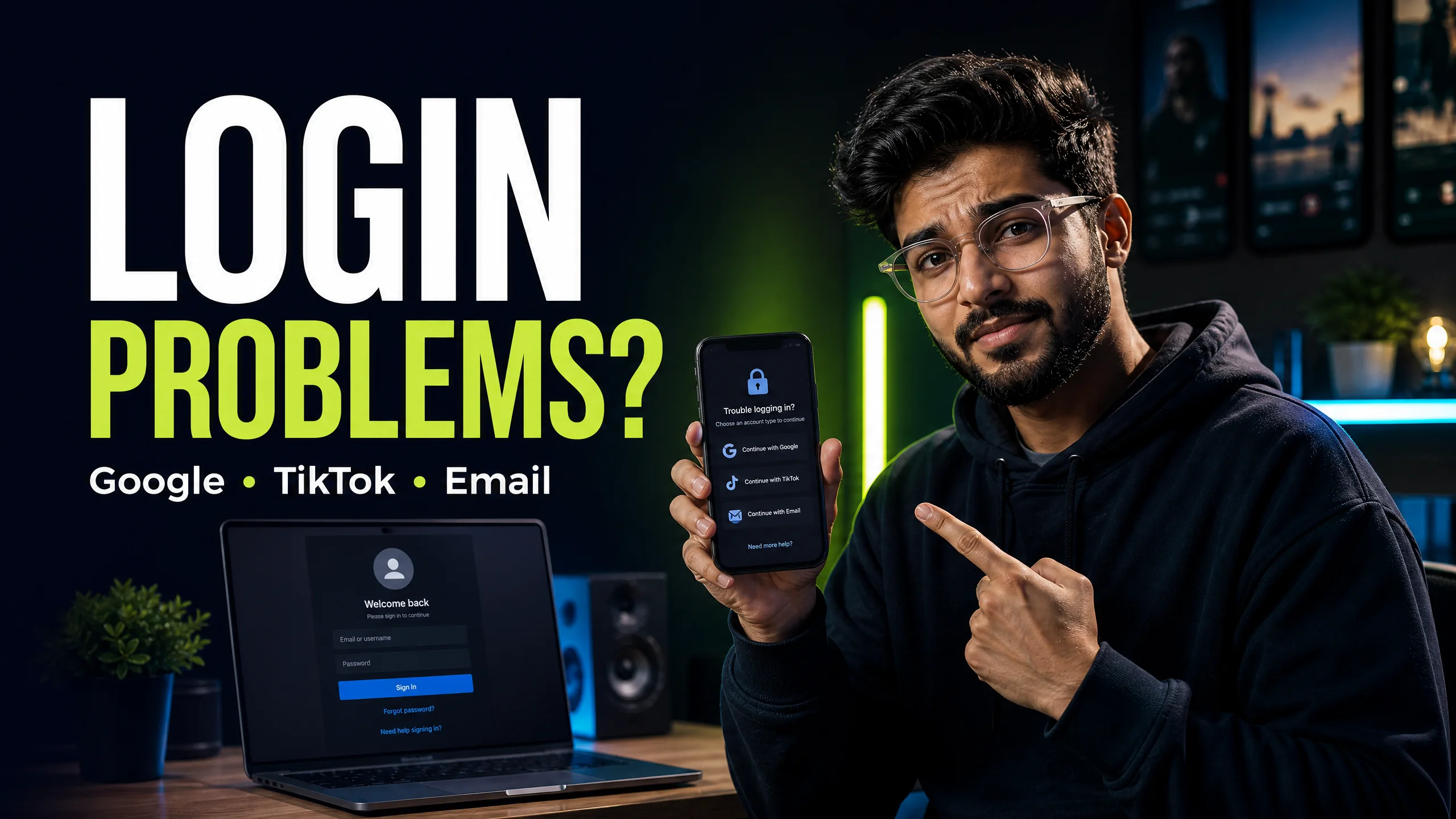
You have 4 different ways to access your CapCut account. The biggest mistake you can make is mixing them up. If you forget which method you used initially, you will accidentally create multiple empty accounts.
I have created a breakdown of the login methods and where they usually fail. You need to review this table before you try logging in again.
| Login Method | Device Suitability | Common Failure Reason |
|---|---|---|
| QR Code Scanner | PC / Mac | Ad-blockers preventing the image from loading. |
| Google Account | Mobile / Web | Choosing a secondary email address by mistake. |
| TikTok Account | Mobile | TikTok session expired or region locked. |
| Email & Password | All Devices | Typing errors or delayed OTP delivery. |
Many video editors prefer using the desktop version. The fastest way to sync your mobile account to your PC is the QR code. But what happens when the screen just shows a blank white box? (If you need a deeper dive into this specific issue, check out our complete QR Code Fix Guide).
I see this happen due to slow DNS routing. You must turn off your Wi-Fi router for 30 seconds. Turn it back on and reload the login page. This resets your connection and forces the image asset to download.
You probably use an ad-blocker or a strict privacy extension. These tools often block the scripts that generate the dynamic QR code. You need to pause your extensions, refresh the page, and the code will appear instantly.
This is the number one reason you lose your CapCut Pro access. You buy the subscription using your Google account on Android. Later, you sit at your laptop and click "Log in with TikTok".
You just created a split profile. CapCut sees these as 2 completely different users. Your Pro status does not carry over. To fix this, you must follow these exact rules:
You try to guess your password 5 times. Suddenly, a red warning pops up. You hit the maximum login attempts. I know this induces panic, but the system is just protecting your account from brute-force attacks.
You are now locked out of that specific login method for exactly 24 hours. You cannot bypass this timer. However, you can use a workaround. If you are locked out of the email method, you can still use the QR code scanner from your active mobile session. For more details on this error, read our Maximum Attempts Fix Guide.
If you do not have an active mobile session, you must wait the full 24 hours. Do not keep clicking the button. Every failed click resets the penalty timer back to zero.
You paid for your subscription, but your account says "Free". I guarantee this is a synchronization error. Your payment went through, but your local app cache failed to update the status tag.
You need to force the app to check the server. Go to your account settings and click "Sign Out". Close the app completely. Open the app and sign back in using the identical method. Your Pro badge will appear within 10 seconds.
If you still face login anomalies, it's often caused by using an outdated version of the app. Ensure you are running the latest release by updating it through the Google Play Store for Android, or the Apple App Store for iOS. Outdated clients frequently fail to authenticate with modern security protocols.
A network error occurs when the app cannot communicate with the authentication servers. You must switch from Wi-Fi to mobile data or disable any active VPN services to resolve the routing issue.
Yes, you can log into the same account on a PC, Mac, and mobile phone simultaneously. You just need to ensure you click the exact same login provider on all platforms.
Verification codes often trigger spam filters. You need to check your junk folder and wait exactly 60 seconds before clicking the resend button to avoid rate limits.
Stop struggling with free version limits. Get private access to CapCut Pro today.
View Private Plans →Senior Video Editor & Founder of BuyCutPro. Helping Indian creators optimize post-production workflows.
Connect on LinkedIn
A focused troubleshooting checklist for missing codes, failed scans and wrong accounts.
Read guide →
Stop the retry loop and use a cleaner account, network and device checklist.
Read guide →
A beginner-friendly workflow for creating, editing and checking feature access.
Read guide →
Find a template, open it safely, replace the media and export a video that feels like your own.
Read guide →