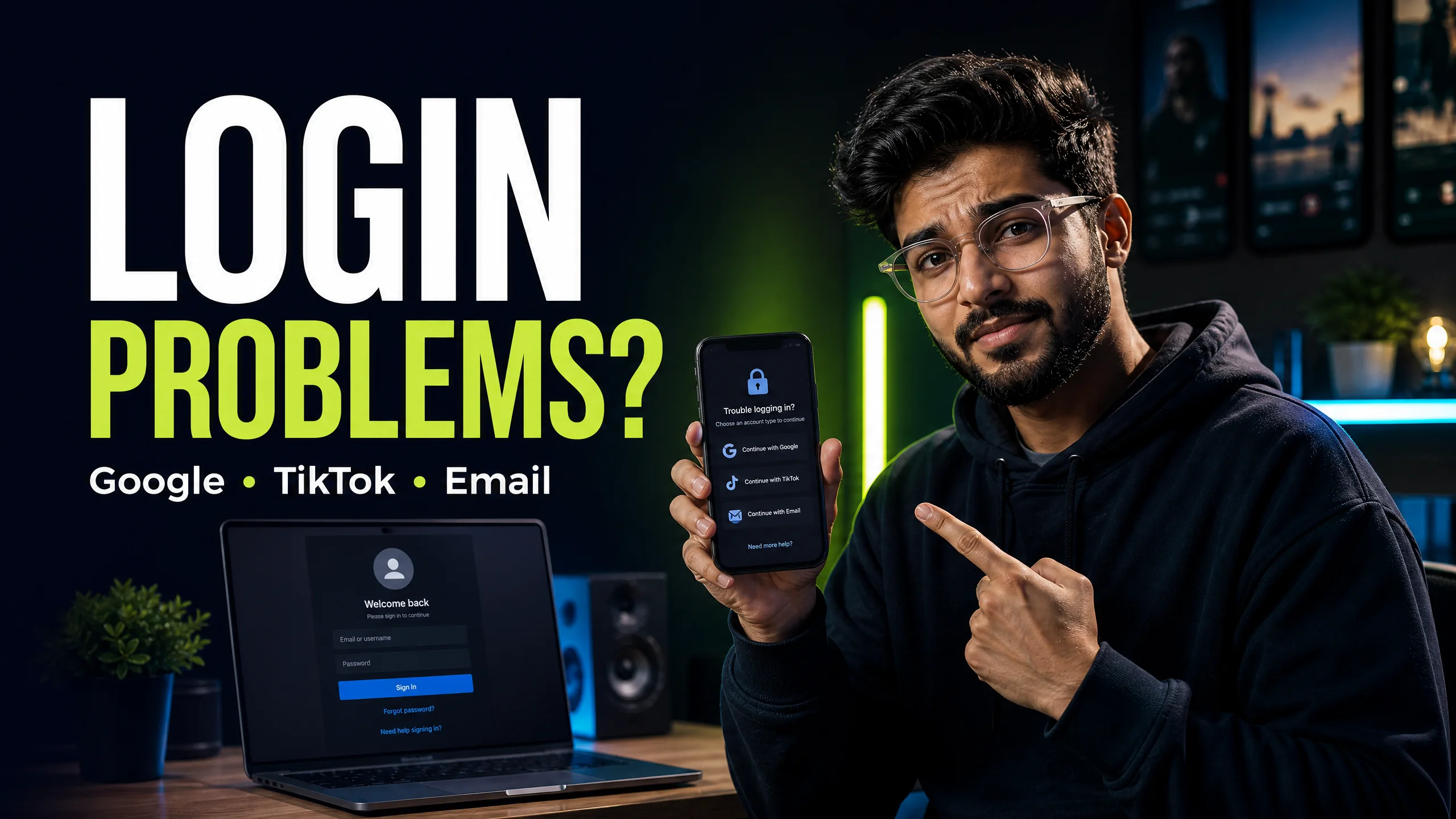
CapCut login problems: Google, TikTok, email, PC and QR fix
Use the right account method and fix common access problems without sharing sensitive credentials.
Read guide → By Rahul Verma·
I know you want to create viral videos without spending hours editing. Using CapCut templates is the absolute fastest way to achieve this. To use a template, you must first ensure you have the official CapCut app installed and updated on your mobile device. Then, open TikTok or Instagram and search for trending videos that display a "CapCut - Try this template" button above the caption. Tap that button, and your phone will automatically redirect you to the CapCut app interface. From there, you simply select your own photos or videos from your gallery to replace the placeholder media. The app automatically syncs your clips to the music and applies the exact same transitions as the original creator. You can then export the finished video directly to your camera roll. If a template says it is unavailable, you likely need a Pro subscription.
You watch hundreds of flawlessly edited videos on your feed every day. You probably assume these creators spend hours hunched over a laptop keyframing every single transition. I am here to tell you a secret: they do not.
The vast majority of viral trends rely on pre-built templates. I use templates constantly to save time and guarantee high engagement. I will show you exactly how to find these hidden templates and apply them to your own footage in less than 3 minutes.
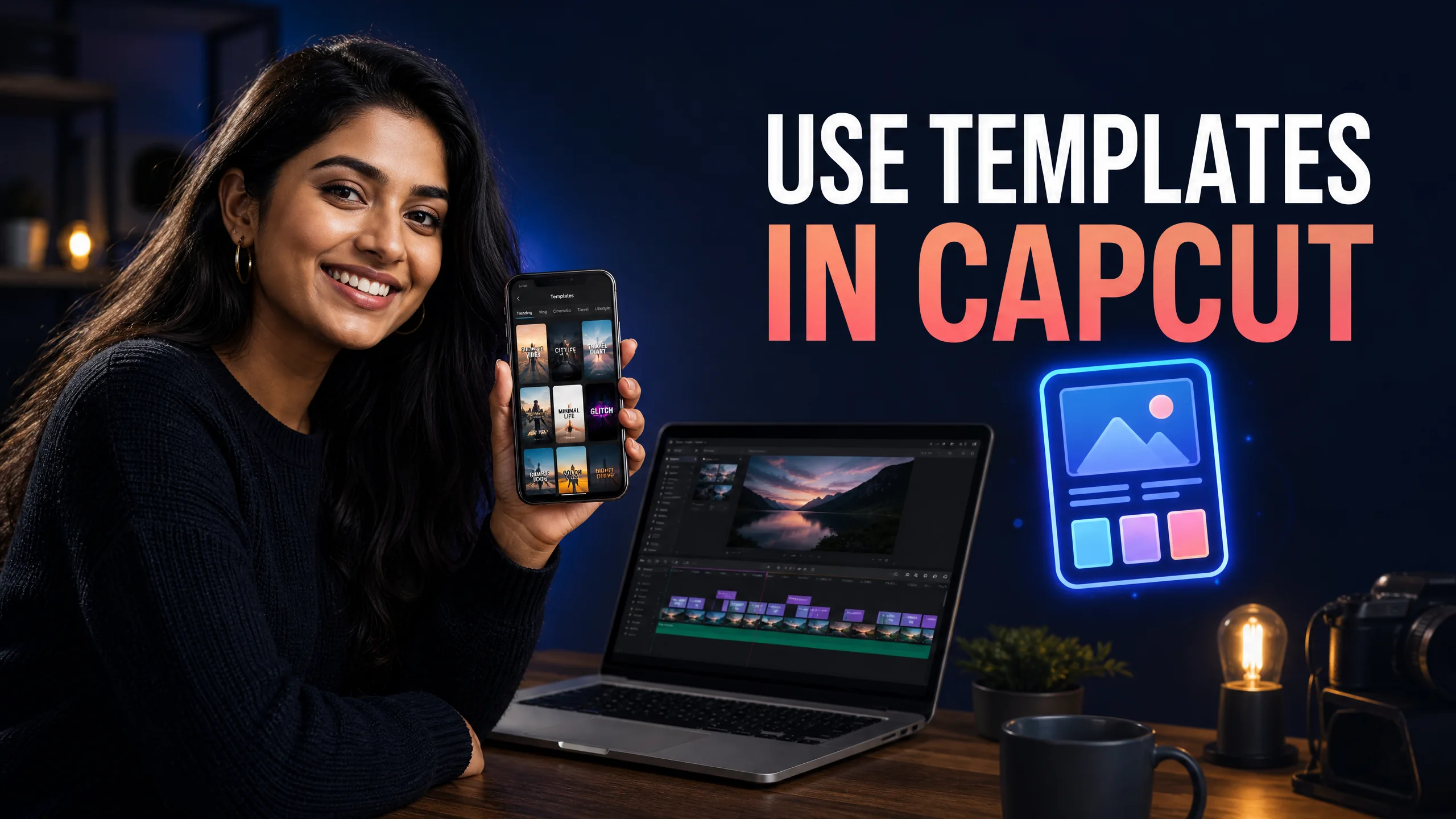
You cannot compete with algorithmic trends if you manually edit every single video from scratch. The audio trends peak and die within a span of 48 hours. By the time you figure out how to match the beat drops perfectly, the trend is already over.
Templates eliminate this delay. The original creator already did the heavy lifting. They mapped out the beat sync, they applied the color grading, and they timed the text animations. You literally just drop your clips into the specific time slots.
You have a few different ways to source high-quality templates. You should not rely on just one method, as the best trends often originate on different platforms simultaneously.
Since the vast majority of viral editing trends originate directly on TikTok, having the official TikTok app installed alongside CapCut provides the smoothest integration. You can seamlessly jump between the two apps. If you are having trouble syncing templates, make sure both apps are fully updated via the TikTok Google Play Store page.
| Template Source | Discovery Method | Effectiveness Score |
|---|---|---|
| TikTok Feed | Clicking the banner above captions. | 9/10 (Highly viral) |
| CapCut In-App Search | Using the search bar in the template tab. | 7/10 (Good for specific niches) |
| Instagram Reels | Following dedicated template creator accounts. | 8/10 (Great aesthetic styles) |
I know the interface looks slightly different when you open a template compared to a normal project. Do not panic. The process is extremely rigid, which actually makes it easier to follow.
You find the perfect template, you click the link, and you get hit with a "Template is currently unavailable" error message. I see this happen constantly, especially for users in India.
This error triggers for two primary reasons. First, the original creator might have used CapCut Pro assets in the template, and you are using a free account. Second, the template might be region-locked. If the creator deleted the original template from their profile, the link will permanently break.
If you face this error, you must search for a duplicate. Type the name of the trend directly into the CapCut app search bar. You will almost always find another creator who uploaded an identical version of the template.
Yes, but only if the original creator allowed it. If the text is editable, you will see a "Text" tab next to the "Video" tab on the preview screen. Tap it to rewrite the captions.
Due to copyright restrictions, CapCut sometimes mutes the audio upon export. You must upload the silent video to TikTok or Instagram and manually add the trending audio track back in from their music library.
The vast majority of CapCut templates are designed exclusively for the mobile app interface. While the desktop version has some basic templates, social media trend links will only open correctly on your phone.
Stop struggling with free version limits. Get private access to CapCut Pro today.
View Private Plans →Senior Video Editor & Founder of BuyCutPro. Helping Indian creators optimize post-production workflows.
Connect on LinkedIn
Use the right account method and fix common access problems without sharing sensitive credentials.
Read guide →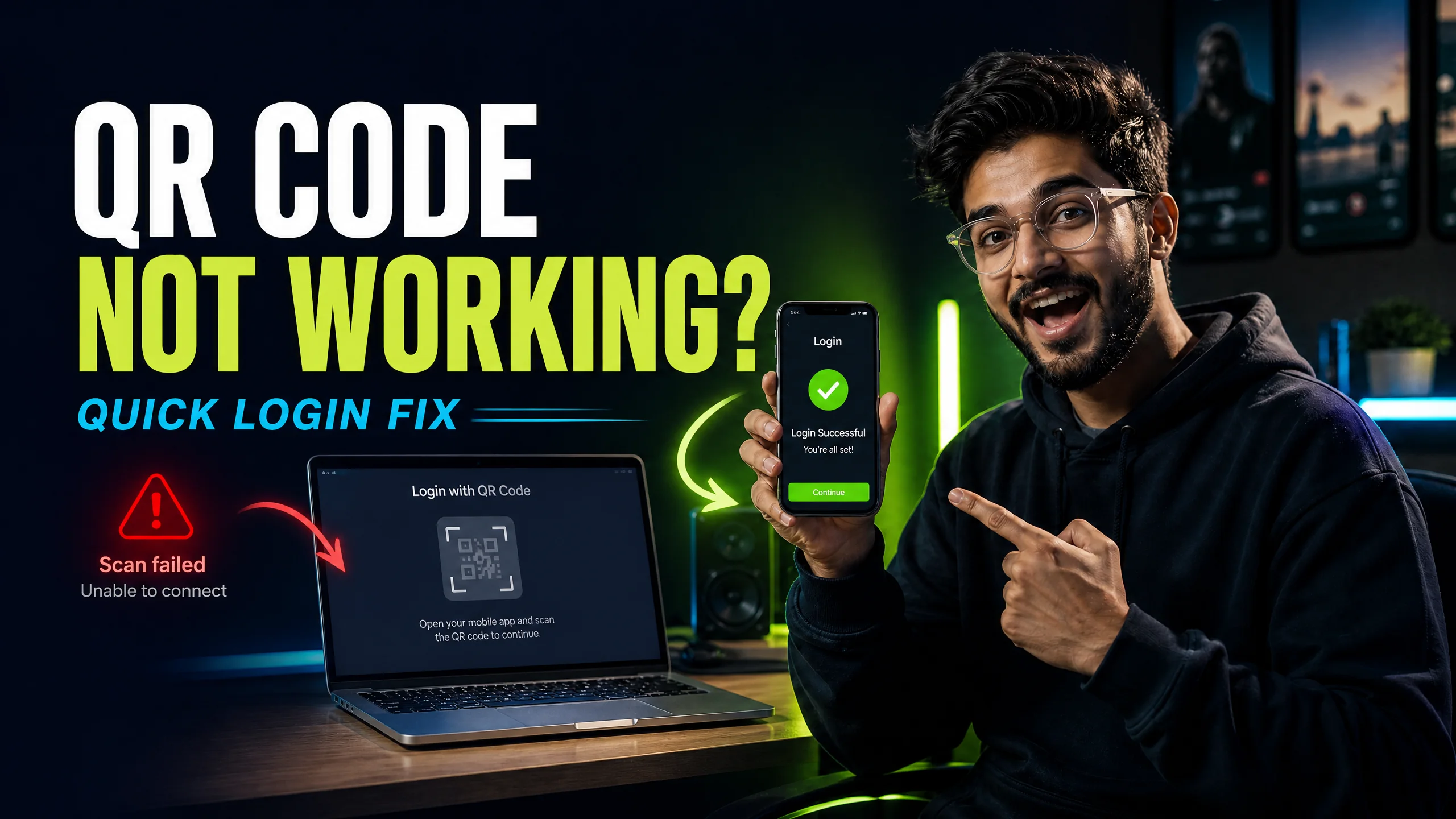
A focused troubleshooting checklist for missing codes, failed scans and wrong accounts.
Read guide →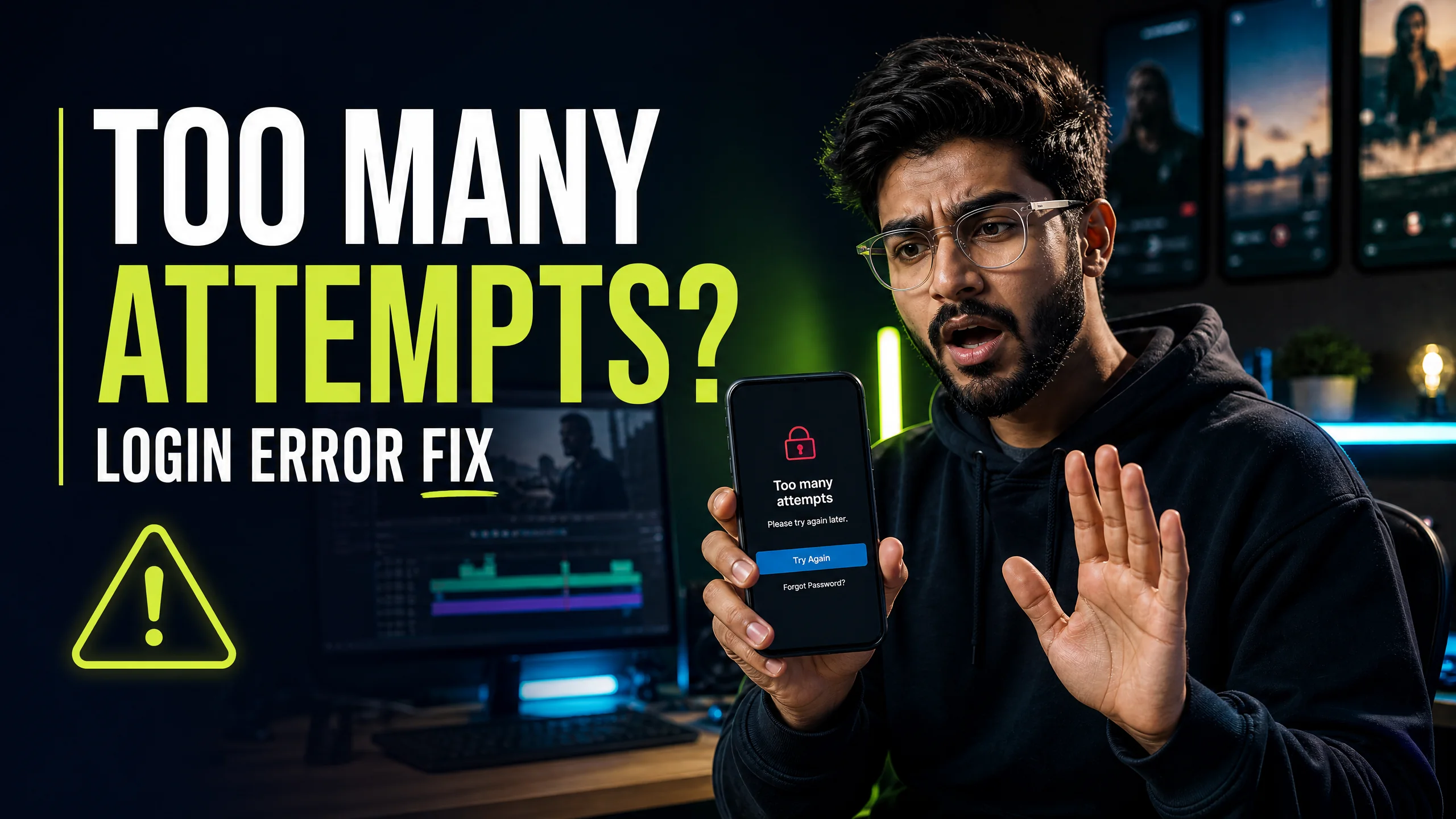
Stop the retry loop and use a cleaner account, network and device checklist.
Read guide →
A beginner-friendly workflow for creating, editing and checking feature access.
Read guide →