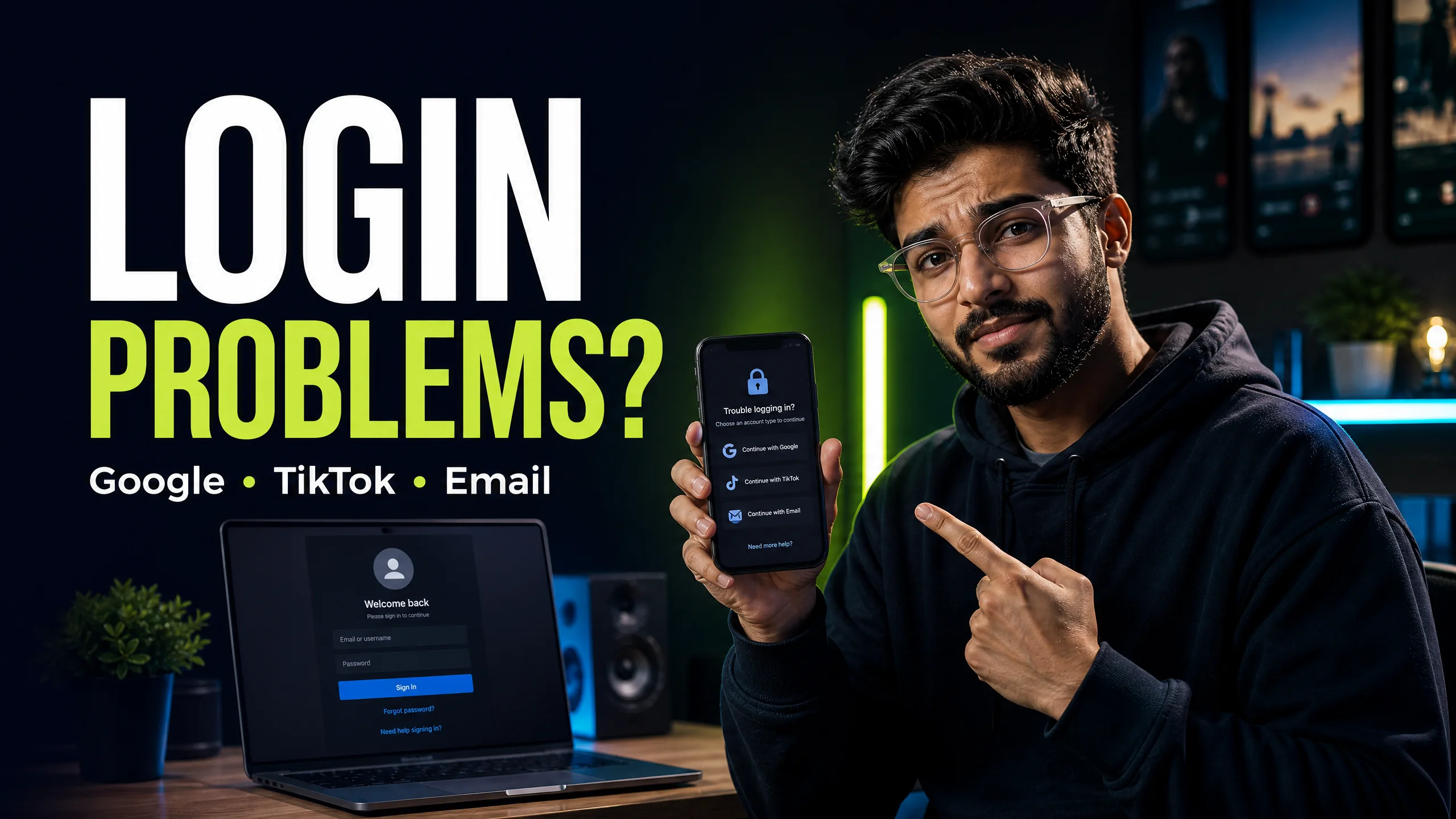
CapCut login problems: Google, TikTok, email, PC and QR fix
Use the right account method and fix common access problems without sharing sensitive credentials.
Read guide → By Rahul Verma·
I know the "maximum number of attempts reached" error is incredibly stressful when you have a deadline. This error happens because CapCut’s security system temporarily blocks your IP address after 5 failed login tries. This is an automatic 24-hour lockout designed to stop hackers from guessing your password. You cannot bypass this timer if you stay on the exact same network. To fix this instantly without waiting 24 hours, you must switch your network connection from Wi-Fi to mobile data. If that fails, you need to log in using a completely different method, such as the desktop QR code scanner instead of your email. Never use a free VPN to bypass this block, as it will likely trigger a permanent account ban.
You type your password, hit enter, and suddenly a red warning box appears. You are completely locked out of your editing workspace. I deal with this specific error multiple times a week.
You probably think your account is deleted or hacked. I assure you it is not. CapCut is simply protecting your data from automated bots. I will show you exactly how to navigate around this security block.
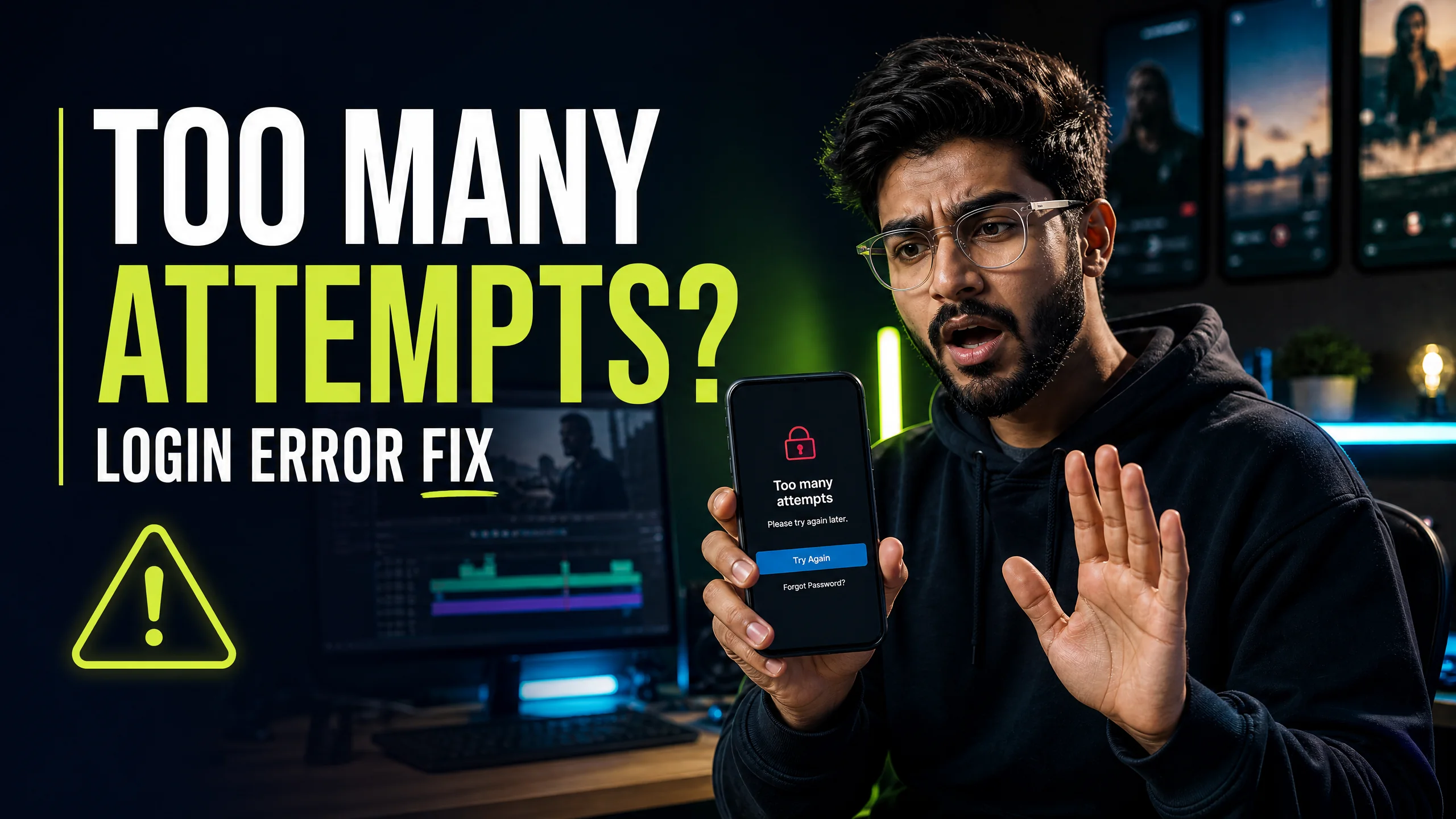
CapCut uses a strict rate-limiting algorithm. When you try to log in, the server counts every single click. If you fail to provide the correct credentials 5 times within a 10-minute window, the system flags your IP address.
This is not a glitch. The system assumes a malicious script is trying to force its way into your account. The lockout is an automatic defense mechanism. You must understand that every single time you click "Login" while locked out, you reset the 24-hour penalty timer back to zero.
I have identified 3 specific actions that trigger this error. You need to know these so you never trigger the block again in the future.
| User Action | System Response | Penalty Duration |
|---|---|---|
| 5 Incorrect Passwords | Account Flagged | 24 Hours |
| Requesting 3+ OTP Codes | SMS Gateway Block | 12 Hours |
| Spamming the QR Refresh | IP Rate Limited | 1 Hour |
You do not have to wait 24 hours if you know how the server identifies you. The server tracks your IP address and your device ID. You can change these variables to regain access immediately.
If you are connected to your home Wi-Fi, you must disconnect immediately. Turn on your mobile hotspot and connect your PC to your phone's cellular data. This gives you a brand new, clean IP address. Open an incognito browser window and try logging in again.
If you were locked out while trying to use your email and password, the email login route is dead for 24 hours. You must switch to a different method. I highly recommend using the QR code scanner.
Sometimes, users panic and try to use a free VPN to bypass the block. I strongly advise against this. CapCut routinely blacklists free VPN servers. If you attempt to log in through a blacklisted IP, the system will flag your account for suspicious activity.
If you receive a message stating your account is permanently suspended, you have triggered a severe security rule. You must contact official support. BuyCutPro cannot unban your account, as we are an independent provider and do not have access to Bytedance backend servers.
You need to adopt better security habits to ensure you never face this delay again. I recommend linking your account to a major provider like Google or Apple. These providers handle the authentication on their own servers.
When you use Google login, you never have to type a CapCut password. You eliminate the risk of typos, and you eliminate the risk of hitting the maximum attempts threshold.
The standard penalty timer lasts exactly 24 hours. You must stop trying to log in during this period, because every failed attempt restarts the 24-hour clock from zero.
No, uninstalling and reinstalling the app does not work. The block is registered on the CapCut servers against your IP address and account ID, not on your local device storage.
While a premium VPN changes your IP address and might bypass the block, using a free VPN is highly dangerous. CapCut often bans accounts that connect through known spam VPN networks.
Stop struggling with free version limits. Get private access to CapCut Pro today.
View Private Plans →Senior Video Editor & Founder of BuyCutPro. Helping Indian creators optimize post-production workflows.
Connect on LinkedIn
Use the right account method and fix common access problems without sharing sensitive credentials.
Read guide →
A focused troubleshooting checklist for missing codes, failed scans and wrong accounts.
Read guide →
A beginner-friendly workflow for creating, editing and checking feature access.
Read guide →
Find a template, open it safely, replace the media and export a video that feels like your own.
Read guide →